
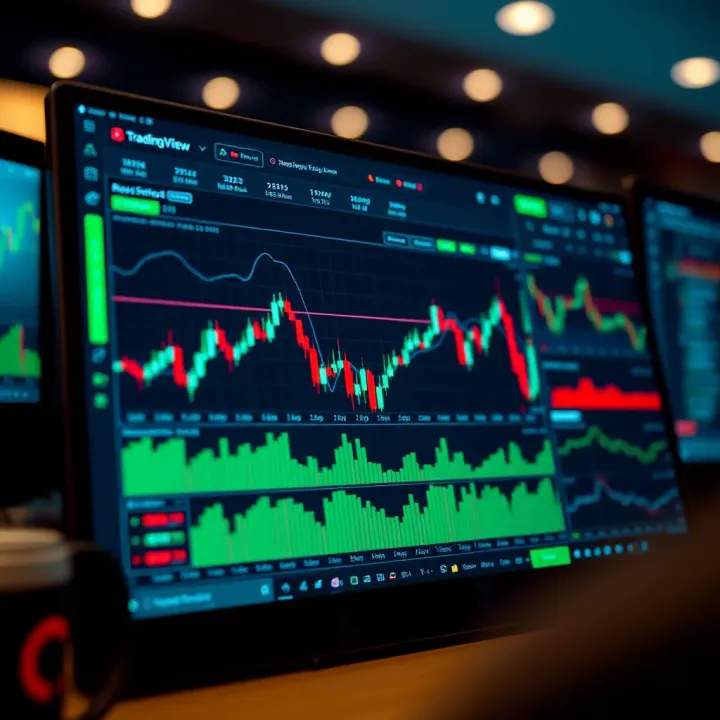
Using TradingView for Market Analysis: A Practical Guide
📈 Discover how to use TradingView for deep market analysis with real-time data, advanced charts, and tools designed for Pakistani and global traders.
Edited By
Henry Wilcox
If you've ever tried to make sense of the markets, you know that having the right tools is half the battle. TradingView has become one of the go-to platforms for many traders and investors around the world, including here in Pakistan. It’s not just about looking at charts; it’s a full-fledged ecosystem for analyzing stocks, forex, cryptocurrencies, and other assets.
In this guide, we’ll break down what TradingView offers, from its charting capabilities to its social features. Whether you're just starting out or have been trading for a while, understanding how to navigate this platform can give you an edge in market analysis.
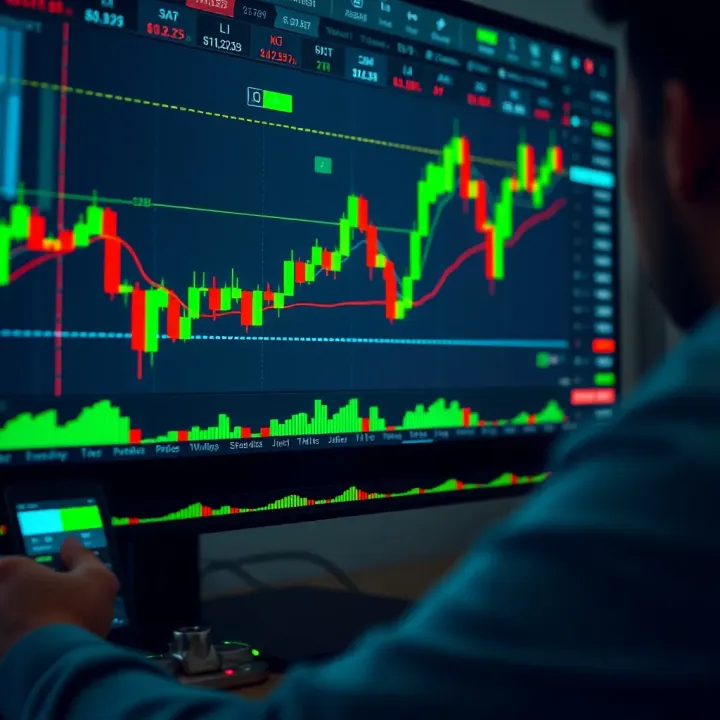
We'll cover key points like setting up your workspace, choosing and customizing indicators, and using the social aspect to get insights and share ideas. By the end, you'll have a solid grasp of how to make TradingView work for you, turning market data into actionable info.
Remember, tools like TradingView are just that—tools. The real skill comes from how you interpret the information and apply it to your trading decisions.
Let’s get started by taking a closer look at the basic layout and essential features we all need to know before diving deeper.
Before diving into charts and technical indicators, getting a solid grip on how to start with TradingView is key. This step sets the foundation for every other action you'll take on the platform. By understanding how to create an account, navigate the dashboard, and customize your workspace, you'll save yourself a ton of hassle down the line.
TradingView offers both free and paid accounts, each catering to different levels of trading activity. The free account is a good way to test the waters—it provides access to basic charts, a few indicators, and delayed data for certain markets. But if you're serious about trading or investing, upgrading to a Pro, Pro+, or Premium plan unlocks real-time data, more indicators per chart, and multiple chart layouts. For example, a forex day trader using TradingView in Pakistan might prefer the Pro plan to get uninterrupted, real-time currency pair quotes like USD/PKR.
Once logged in, the dashboard is your launchpad. It includes your watchlists, charts, news feeds, and a toolbar packed with drawing tools and indicators. The layout is intuitive, but can feel overwhelming at first. The left side usually hosts the tools panel while the center is dominated by the charts. At the top, you’ll find menus for alerts, timeframes, and symbols. Understanding where these elements sit makes navigating feel like second nature quickly.
Everyone's workflow is different, so customizing your workspace can boost your efficiency. You can drag panels to rearrange, save chart layouts, and even switch between dark and light modes to reduce eye strain. For example, a trader analyzing stocks and crypto simultaneously might set up two charts side by side, each with different indicators tailored to each asset class. Small adjustments like these make long hours analyzing markets much less taxing.
TradingView isn't a one-trick pony—it covers a broad spectrum of markets. You'll find stocks from exchanges like NYSE and LSE, a wide array of currency pairs for forex trading, cryptocurrencies such as Bitcoin and Ethereum, and popular commodities like gold and oil. This wide coverage means whether you’re watching PSX shares or the latest crypto pump, TradingView keeps you in the loop.
Not every market offers real-time data on the free plan. Stocks listed on exchanges such as NYSE have a 15-minute delay, while some forex data is real-time even with a free account. This distinction matters when timing trades—delayed data might be enough for long-term investors, but day traders and scalpers need real-time updates to make split-second calls.
TradingView gets its data directly from over 50 exchanges and multiple third-party providers. Pakistani traders relying on PSX data will find it included but note that some feeds come with delays unless upgraded in subscription. For instance, forex traders might rely on data feeds from OANDA or FXCM that integrate seamlessly with TradingView for accurate currency rates across global markets.
Knowing exactly what kind of data you’re accessing can prevent nasty surprises and help you choose the right TradingView plan for your trading style.
By mastering the basics of account setup, interface navigation, and market data understanding, you’ll be well-equipped to tackle more advanced features on TradingView confidently. These initial steps aren't just about familiarity—they’re about making sure you can trust the platform to support your trading decisions effectively.
Charting features in TradingView are the backbone for any serious market analysis. They help traders spot patterns, trends, and potential reversals quickly, making the difference between guessing and making informed decisions. Whether you're watching stocks, forex, or crypto, understanding the variety of charts and tools available is key. The platform's flexible and intuitive design means you can tailor your charts to fit your unique trading style, making it a practical choice regardless of your experience level.
TradingView offers three main types of charts: line, bar, and candlestick charts. Line charts are the simplest; they plot closing prices over time and give a clean, straightforward view of a market’s direction. For example, if you’re tracking Pakistan Stock Exchange shares like Engro Corporation, a line chart lets you quickly see whether the price is generally rising or falling.
Bar charts provide more detail by showing the high, low, open, and close prices in each time period. This added info helps you judge volatility or sudden moves. Let’s say you watched Interbank Exchange rates fluctuate sharply intraday, bar charts illuminate those swings better than simple lines.
Candlestick charts are widely trusted for their visual appeal and depth. Each candle shows the same high, low, open, and close prices but in a block form that’s easier to spot bullish or bearish pressure. You’ll often see traders use candlesticks to identify patterns like Doji or Hammer which can signal market reversals.
Then, there’s the matter of timeframes. TradingView lets you switch between intraday views (like 5-minute or 15-minute charts) and long-term views (daily, weekly, monthly). Intraday charts help day traders catch short-term market moves, such as the quick swings in forex pairs like USD/PKR, while longer-term charts are better for investors watching fundamental trends over months or years. Being comfortable switching between these views makes your analysis adaptable to market pace.
Drawing tools on TradingView allow you to mark up charts with precision, turning raw data into actionable insights. Trendlines connect price points to identify the direction of a market. For instance, a rising trendline on oil prices can indicate steady demand, suggesting it’s a good time to hold or buy.
Channels build on trendlines but add parallel lines to define clear support and resistance zones. Say you’re analyzing the currency pair EUR/USD; drawing channels around price swings helps you spot breakouts or pullbacks more confidently.
You can also use shapes like rectangles or ellipses to highlight chart areas, making it easier to review later or share ideas with others.
When it comes to Fibonacci tools, retracements and extensions play a significant role. These are based on the idea that markets often retrace a predictable portion of a move before continuing. Drawing Fibonacci retracements from the start of a price surge to its peak shows you potential pullback levels — handy for timing entries or exits. Extensions help forecast where the price might head after breaking past previous highs or lows.
Lastly, marking support and resistance levels is essential. These are price points where the market tends to stall or reverse because traders have previously bought or sold en masse. For example, if you notice Pakistan’s KSE-100 index often bounces around 40,000 points, you know that’s a psychological barrier worth monitoring.
Drawing tools turn raw price data into a story, guiding traders toward smarter decisions rather than relying on gut feelings.
With TradingView’s charting features, you’re equipped not just to see the market’s past, but to read its likely moves ahead. This blend of clear visuals, detailed data, and interactive tools opens a window into market dynamics tailored to your trading approach.
Indicators and alerts are the backbone of effective market analysis on TradingView. They help traders and investors spot trends, gauge momentum, and react promptly to market shifts without constantly staring at charts. Simply put, these tools turn raw price data into useful signals, making it easier to decide when to enter or exit trades.
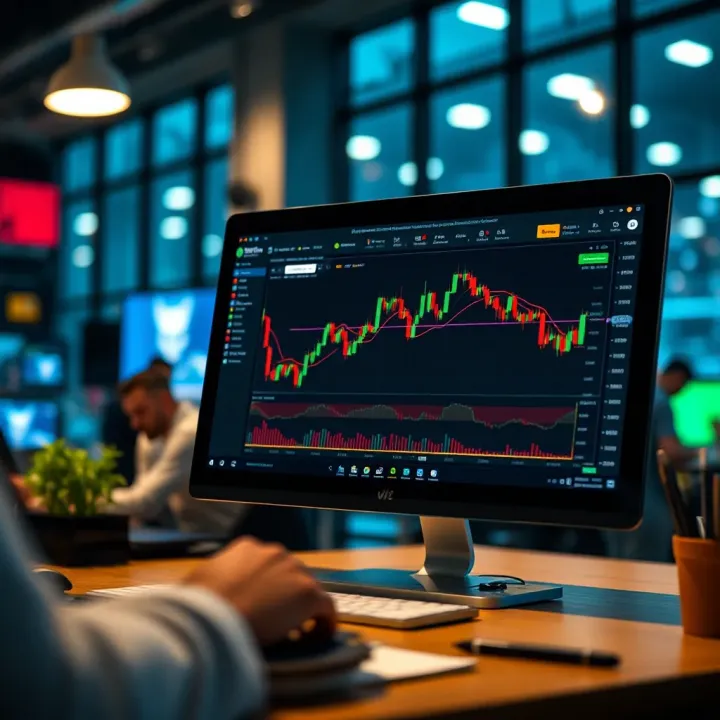
One of TradingView's strengths lies in its variety of built-in indicators like the Relative Strength Index (RSI), Moving Average Convergence Divergence (MACD), and Moving Averages. The RSI measures the speed and change of price movements, commonly used to detect overbought or oversold conditions. For instance, if the RSI crosses above 70, many traders see this as a sign the asset might be due for a pullback.
The MACD, on the other hand, is great for spotting changes in momentum by comparing short and long-term moving averages. When the MACD line crosses above the signal line, it often signals a bullish trend. Moving Averages smooth out price data, helping traders identify the general direction. A classic example is watching the 50-day moving average cross above the 200-day moving average, a pattern known as the "Golden Cross," hinting at possible upward momentum.
TradingView doesn't limit you to these built-in tools. The platform boasts a lively community where users share custom indicator scripts—these range from simple tweaks to complex algorithms. You can find scripts tailored for specific strategies, like a modified Bollinger Bands or unique volume-based indicators. Adding these custom scripts is straightforward: just browse the Public Library, preview the indicator on your chart, and add it if it fits your style. This community-driven feature means you're not stuck with standard tools; you can experiment and find what truly works for you.
One of the most practical features on TradingView is the alert system, which saves you from missing key market events. Alerts can be triggered by price levels—say, a stock hitting a resistance point—or by indicator conditions, like the RSI crossing below 30 signaling potential oversold territory.
Setting a price alert is as simple as right-clicking on a chart point and choosing "Add Alert." For indicator alerts, you can define custom conditions, such as the MACD histogram turning positive. This flexibility helps you tailor alerts exactly to your strategy, so you’re not reacting to noise but meaningful signals.
Alerts are especially useful if you have limited time to monitor markets. They act as your eyes and ears, notifying you only when certain criteria are met.
TradingView lets you receive these alerts through various channels—email, SMS, or push notifications on your mobile device. If you’re often away from your desk, mobile alerts keep you connected to the market pulse. Configuring these notifications is straightforward in the alert settings; you can choose which devices get alerts and even customize the message content. For example, a forex trader might set alerts for EUR/USD crossing a key level and get notified immediately on their phone during lunch break.
By blending indicators with smart alerting, TradingView helps you stay ahead of market moves without becoming glued to the screen, which is a practical advantage no trader should overlook.
TradingView’s flexibility shines most when used across multiple asset classes. Whether you're into stocks, forex, or cryptocurrencies, it offers tailored tools and data that fit each market's unique quirks. Knowing how to use TradingView for these different assets not only makes your analysis sharper but also saves you from hopping between platforms.
Keeping an eye on major indices like the KSE-100 (Karachi Stock Exchange) alongside individual stocks can give you a good pulse on the market. TradingView lets you chart the performance of these indices and tickers with live updates, helping you spot trends or sudden moves. For instance, if you want to track a company like Oil & Gas Development Company Limited, you can pull up detailed candlestick charts and analyze volume spikes right on their dashboard. This feature is practical for identifying entry and exit points in real-time, whether you’re day trading or holding for the long haul.
TradingView’s stock screener is a handy tool that filters stocks based on your criteria—market cap, P/E ratio, dividend yield, and more. For example, if you’re hunting for Pakistani stocks with high dividends, you can set the screener accordingly. Watchlists help organize your selected stocks into separate groups, so you can monitor them efficiently without getting lost in the noise. Setting up multiple watchlists for different sectors or trading strategies is a smart way to stay organized and focused.
Forex trading on TradingView covers a vast range of currency pairs, including major, minor, and exotic ones. For traders in Pakistan dealing in USD/PKR or EUR/USD, being able to access these pairs with detailed Oanda or FXCM data feeds is invaluable. The platform also offers spread information and trading volumes, helping you gauge market liquidity. This comprehensive coverage means you won’t miss important moves in emerging or less-famous currency pairs.
TradingView includes some forex-centric tools like the Average True Range (ATR) and various currency strength meters that give traders a fine-grain view of volatility and momentum. Indicators like the Relative Strength Index (RSI) adapt well to currency charts, letting you spot overbought or oversold conditions. Combining these indicators can provide a clearer picture of when to jump in or out of a forex trade, especially in fast-moving markets where timing counts.
Crypto markets are notoriously volatile and round-the-clock, and TradingView caters well to that fast pace. The platform supports a wide array of coins from Bitcoin and Ethereum to emerging altcoins like Cardano or Solana. Being able to monitor multiple exchanges such as Binance, Coinbase, and Kraken helps you capture the best prices without switching apps. The transparency and variety of data assist both newbies and pros in making informed decisions amid the wild swings crypto often throws.
One of the biggest perks of TradingView for crypto trading is the near-instant price updates and detailed charting tools. You don’t just get the usual candlesticks but also depth charts and order book visuals when linked to a broker or exchange. Setting alerts at key price levels or upon indicator triggers means you don’t have to stare at the screen all day but can still catch critical movements. For example, if Bitcoin breaks a resistance level on the 1-hour chart, you can get a notification and act quickly.
Using TradingView’s specialized tools across asset classes lets traders stay on top of market-specific developments without juggling multiple apps. This cross-asset flexibility is a huge advantage for anyone serious about market analysis.
In summary, TradingView’s asset-specific features—from detailed stock screeners to broad forex coverage and up-to-date crypto info—equip traders with the right tools to analyze and seize opportunities efficiently. Whether you focus on just one class or dabble in several, understanding how to navigate these features gives you a leg up in the market.
TradingView isn’t just a stand-alone charting tool — its social features make it a vibrant hub where traders and investors come together. This sense of community adds a valuable layer to the market analysis process. When you can tap into the ideas, insights, and experiences of others, your own trading perspective broadens, which can lead to smarter, more informed decisions.
The platform’s social tools aren't just fluff; they open doors to peer learning and real-time feedback, which is especially handy in volatile markets. Whether you’re a newbie just getting your feet wet or a seasoned pro looking for fresh angles, TradingView’s community allows you to connect with like-minded folks easily.
One of TradingView’s strengths lies in its vast library of published trading ideas shared by users worldwide. These ideas often come with detailed charts, technical setups, and even commentary explaining the rationale behind trades. This repository serves as a practical learning bank where you can see how others are charting stocks, forex, and cryptocurrencies.
For example, if you’re looking to understand how a trader applies the RSI on a particular currency pair, you can search through ideas tagged with RSI indicators and see real-world applications. This saves you from reinventing the wheel and helps shape your analysis style. Staying updated with published ideas keeps your finger on the pulse of market sentiment and emerging trends, which can be a game-changer in fast-moving markets.
The comment section under every published idea is more than just chit-chat. It’s a place where traders discuss setups, share alternative views, or question assumptions. This engagement can shed light on potential risks or confirm the validity of a trade idea.
Jumping into these discussions lets you pick up nuances that might be missed in a static chart. For instance, someone might point out a hidden support level or a conflicting fundamental factor affecting the trade. Active participation here not only enhances your learning but also builds connections with other traders who share your interests or trading style.
If you’ve crafted a trading setup or developed a strategy you’re proud of, TradingView makes sharing it straightforward. Posting your charts with annotations and notes can showcase your approach and invite constructive feedback.
Imagine you’ve spotted an unusual pattern in Tech sector stocks using MACD and moving averages. Publishing your chart exposes your methodology to the community, allowing others to comment or replicate your strategy. This transparency can boost your credibility and might even attract followers who appreciate your insights.
Collaboration on TradingView goes beyond just sharing ideas; it allows multiple users to build on each other’s work. This collective approach can refine trading setups through diverse viewpoints and fresh analysis.
For example, a trader might publish a bullish pattern on crude oil futures, and others could add their own support and resistance levels or suggest indicator tweaks. This teamwork often uncovers opportunities or hazards that a solo trader might overlook.
TradingView’s social features turn market analysis from a solitary task into a dynamic community effort, making it easier to spot trends, validate strategies, and improve trading skills through shared experience.
Incorporating the community aspect into your routine doesn’t just enlarge your knowledge base—it also keeps you motivated and connected in what can sometimes be a lonely endeavor. So, whether you’re following others or sharing your own work, engaging with TradingView’s social tools brings a practical edge to your market analysis arsenal.
Choosing the right subscription plan on TradingView can make a big difference in how smoothly you analyze markets and execute trades. Whether you're casually watching stocks or deep into forex scalping, understanding the cost and feature structure helps you avoid paying for stuff you won’t use—or missing out on tools you really need. The platform offers tiers from free access to more advanced Pro and Premium plans, each with its own perks and limits. Picking the best fit depends not only on your trading style but also on your budget and what kind of data or alerts you want at your fingertips.
TradingView's free plan is great for beginners or those who only dabble in market analysis. You get access to basic charts, a handful of indicators, and community ideas which can be enough if you’re keeping things light. However, there are a few trade-offs — for example, you’re limited to one saved chart layout, only three indicators per chart, and just one active alert at a time. Also, intraday data may have slight delays on some exchanges, which could be a bother if timing is everything for you. For instance, a casual stock investor might be perfectly fine with waiting a couple minutes for data, but a day trader almost certainly would find this frustrating.
Step up to Pro or Premium, and you open a whole new suite of tools. More indicators per chart (up to 25!), unlimited saved chart layouts, multiple watchlists, and far more customizable alerts come standard in Pro plans. Premium users get priority customer support and the ability to stream real-time data from multiple exchanges without delay. The Pro+ and Premium subscriptions cater significantly to active traders who juggle numerous assets at once. Imagine needing to monitor ten pairs of forex currencies simultaneously or run heavy custom scripts without your platform slowing down—that’s where these plans shine. They’re designed to save you time and make the analysis less stressful.
It’s important to match your subscription to how you use TradingView. If you’re active in day trading or scalping, real-time data, robust alert systems, and the ability to overlay many indicators become indispensable. Conversely, casual investors or educators might prioritize cost savings and ease of access, making the free or entry-level paid plans sufficient. For example, a casual trader checking weekly charts and reading trading ideas doesn’t need every bell and whistle. Meanwhile, an active trader analyzing intraday moves and relying on custom alerts benefits more from the Pro+ plan.
Before subscribing, evaluate how much you’ll use enhanced features versus what the free version already offers. Sometimes, paying for a Pro plan just to get more alerts or charts can quickly pay for itself by helping you catch timely trades or avoid losses. On the other hand, if you mostly follow market trends with minimal actions, the free plan could serve well enough. Some traders find value in switching plans based on market cycles; for instance, upgrading during periods of increased volatility where faster updates and alerts matter more, then scaling back when things quiet down.
Remember, the best plan is not always the most expensive one, but the one that fits your trading habits and goals without overloading you with features you don’t use. Assess your needs carefully and maybe try the free plan thoroughly before deciding.
In short, understanding the fine print of TradingView’s subscription plans ensures you invest wisely in your tools, giving you a practical edge in market analysis without burning a hole in your wallet.
Using TradingView wisely goes beyond just knowing where buttons are. It’s about tailoring the platform to fit your trading style and needs, which helps you stay ahead in a fast-moving market. Whether you're an active trader or a casual investor, tweaking features like indicators, watchlists, and broker integrations can save you time and improve decision-making.
Indicators can get messy if left at default settings, leading to cluttered charts that confuse rather than clarify. Adjusting parameters—say, changing the RSI period from 14 to 7—can actually make trends pop out sooner, giving traders an early heads-up. Don't shy away from altering colors or thickness of lines to make them stand out against your chart background. For example, setting moving averages to bold and contrasting colors helps distinguish short-term trends from long-term ones at a glance.
Regularly fine-tuning your indicator settings based on your trading goals prevents information overload. If you’re scanning fast intraday moves, shorter time frames and sensitive indicator settings matter. For longer-term trading, smoothing out indicators reduces false signals. This simple habit improves your chart readability and helps you catch genuinely meaningful moves without distractions.
Setting up your TradingView workspace thoughtfully can make a huge difference. A well-organized watchlist lets you monitor numerous assets without feeling overwhelmed. Group stocks, forex pairs, or cryptocurrencies by sectors, regions, or trading strategies to jump to what matters quickly. For instance, if you track tech stocks and commodities, keeping these in separate lists avoids clutter.
Chart layouts are equally important. Use TradingView’s multi-chart layouts to compare assets side-by-side or monitor different timeframes of the same asset. For example, a trader might watch a 5-minute chart alongside a daily chart to balance short-term entry timing with long-term trend perspective. Saving these layouts avoids repetitive setup every time you log in.
Thinking in terms of workflow efficiency—like having news feed and chat windows tucked neatly beside your charts—can also keep you informed without jumping between tabs.
TradingView supports direct trading integration with several well-known brokers such as OANDA, FXCM, and Interactive Brokers. This feature lets you place trades right from the TradingView platform without switching to separate software. For example, suppose you spot a breakout on a forex pair you track; you can execute a buy order immediately through your linked broker.
This integration isn't universal, so check if your broker is supported before expecting this seamless trading experience. If your broker isn’t listed, you’ll still benefit from TradingView’s powerful analysis tools but will need to enter trades manually in your broker’s own platform.
Connecting your broker to TradingView streamlines your entire trading process. Imagine your chart analysis, order execution, and portfolio monitoring all happening in one place—this cuts down the risk of missing timely moves due to switching screens. It also improves record-keeping since your trades show up automatically in your TradingView account.
Moreover, integrated platforms often offer better control over order types and immediate feedback on fills directly on your charts. This can make a big difference when markets move fast, especially in volatile instruments like cryptocurrencies or forex pairs.
Overall, linking your broker to TradingView turns a powerful analytic tool into a full-service trading desk, allowing you to act faster and manage risk better.
Effective use of TradingView is really about adapting it to your own needs—customizing indicators, organizing your workspace, and if possible, linking your broker to execute trades from a single platform. It’s these small yet impactful tweaks that help traders work smarter rather than harder.
📈 Discover how to use TradingView for deep market analysis with real-time data, advanced charts, and tools designed for Pakistani and global traders.
📊 Discover how to use TradingView effectively for market analysis in Pakistan. Learn key features, tips, and tools that help beginners and pros trade smarter.
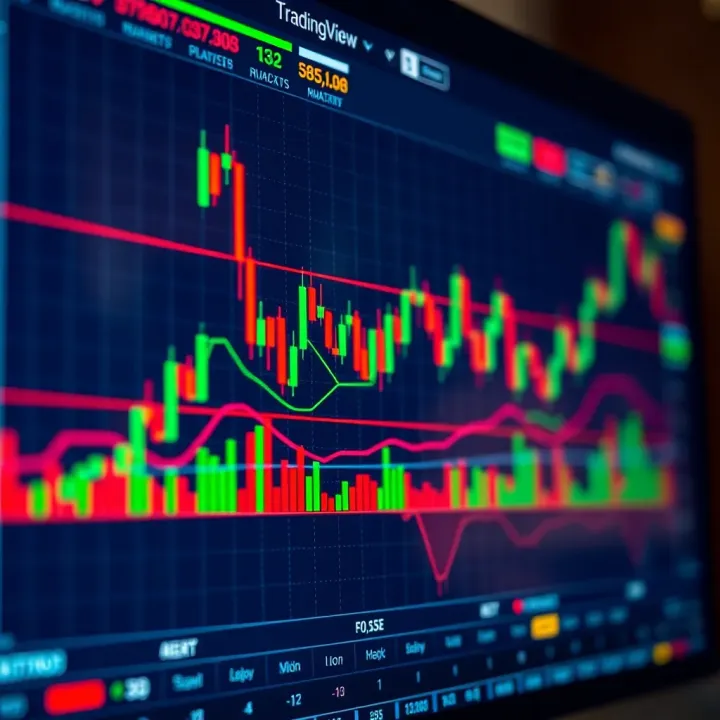
📈 Learn how to use TradingView charts to analyze Pakistan's financial markets effectively, with tips on tools, indicators, alerts, and strategy setup.
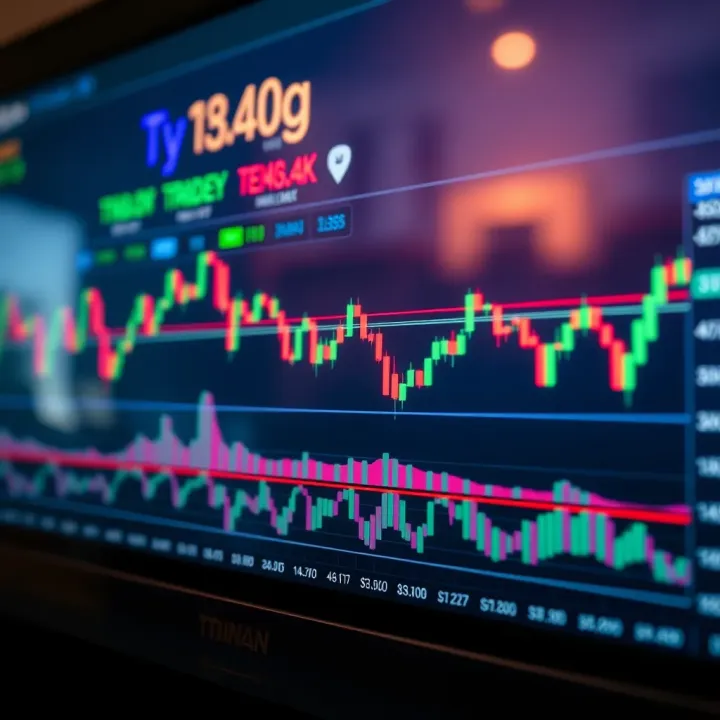
Boost your trading skills with TradingView in Pakistan 📈 Learn step-by-step integration and custom tips for sharper market insights and smarter decisions.
Based on 13 reviews