

How to Use TradingView on Deriv for Pakistani Traders
Explore how to set up TradingView on Deriv for smarter trading in Pakistan 🇵🇰. Learn charting, market analysis, strategy tips, and risk management 📊💡.
Edited By
Olivia Bennett
Deriv is a popular online trading platform offering a wide range of financial instruments, from forex to synthetic indices. Meanwhile, TradingView stands out as a charting and analysis tool renowned for its advanced features and user-friendly interface. Pakistani traders who use Deriv can now integrate TradingView charts directly into the Deriv environment, combining the strengths of both platforms.
This integration gives traders a clear edge. Instead of toggling between separate windows or apps, you get real-time charting, technical indicators, and drawing tools right where you place your trades. For example, if you're trading forex on Deriv, you can use TradingView's comprehensive technical analysis capabilities — such as trendlines, Fibonacci retracements, or custom indicators — to better understand price movements before making a decision.

Why does this matter for Pakistani traders? Pakistan's internet variability means saving time and minimizing data use is crucial. Using TradingView inside Deriv cuts down switching delays and improves response times during volatile market hours. Plus, the easy access to familiar chart types (candlestick, Heikin Ashi, bar charts) helps both new and experienced traders analyse markets quickly.
Seamless integration of TradingView into Deriv not only boosts confidence but also streamlines decision-making — key for capturing opportunities in fast-moving markets.
Unified Platform: All charts and trades on a single screen reduce errors from switching apps.
Advanced Tools: Use TradingView’s extensive indicator library and drawing options live on Deriv.
Custom Alerts: Set customised alerts within TradingView and act faster on Deriv trades.
Flexible Layout: Resize and arrange charts to suit your trading style and screen size.
Start by linking your Deriv account with TradingView settings under the Deriv platform’s chart tab. Make sure your internet connection is stable — TradingView charts refresh automatically, but interruptions can cause lag or incomplete data.
This integration suits day traders needing quick analysis, swing traders who use multiple indicators, and even educators who want to demonstrate charting techniques live during sessions.
In the upcoming sections, we'll explore step-by-step how to set up the integration, suggest workflows tailored for Pakistani market hours, and highlight common issues to watch for along with practical solutions.
In Pakistan's fast-growing trading landscape, knowing your tools is half the battle. Deriv and TradingView, when combined, offer a powerful setup for traders aiming to make smarter decisions. This introduction outlines what each platform brings to the table and why their integration matters particularly for traders in Pakistan.
Overview of Deriv in Pakistan’s context
Deriv has built a strong reputation as a versatile online trading platform that supports a wide range of financial instruments such as forex, synthetic indices, and digital options. For Pakistani traders, Deriv is attractive because it supports local payment methods like JazzCash and Easypaisa, making fund transfers easier without the hassle of international banking. Moreover, its regulatory framework, while not overseen by Pakistan’s SECP, aligns with international standards, offering a measure of trust uncommon among unregulated brokers.
Main features offered by Deriv
Deriv provides an intuitive interface with real-time pricing, multiple account types, and risk management tools like stop-loss orders to help traders control exposure. Its mobile and desktop platforms are lightweight and responsive, crucial for users dealing with inconsistent internet speeds common in Pakistan’s cities and towns. Additionally, the platform offers demo accounts, which allow traders to practice strategies without risking actual money—a useful feature for beginners and pros testing new tactics.
Purpose and popularity of TradingView worldwide
TradingView has become the go-to charting and analysis tool for traders globally due to its user-friendly design and comprehensive features. Unlike platforms tied solely to brokerage, TradingView works independently and supports integration with many brokers, including Deriv. Traders in Pakistan appreciate its cloud-based service that can be accessed anywhere, whether on a desktop in Lahore or a mobile device in Karachi, giving them flexibility and real-time data.
TradingView’s charting and technical analysis tools
At its core, TradingView offers detailed, interactive charts loaded with technical indicators like RSI, MACD, and Bollinger Bands. Users can draw on charts, set alerts, and even share ideas with a community of traders. For example, a trader tracking the PKR/USD rate can set customised alerts to catch sudden price moves. These features support precise, well-timed trading decisions, especially when combined with Deriv's execution platform.
Together, Deriv and TradingView form a combo that blends execution efficiency with analytical depth, a rare find for serious traders in Pakistan.
Integrating TradingView with Deriv significantly ups your trading game by combining Deriv's execution capabilities with TradingView's powerful charting tools. For traders in Pakistan, who often face market volatility and sudden moves, this blend offers faster insights and clearer visuals needed for timely decisions. Rather than toggling between platforms, this integration keeps everything in one place, saving time and reducing the chance of missing trade signals.
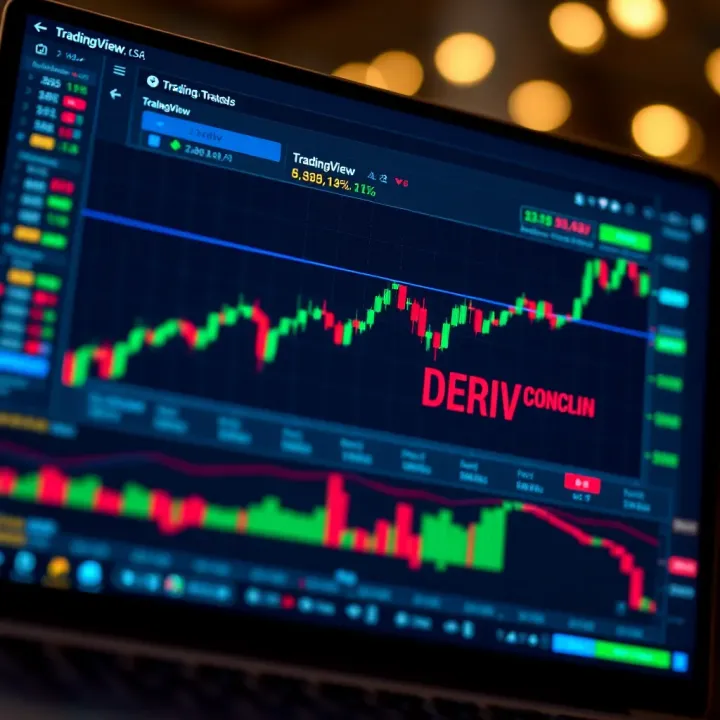
Accessing advanced charts and indicators on Deriv through TradingView means you can use more than the basic candlestick or line charts. TradingView offers a wide range of chart types like Heikin Ashi, Renko, and Point & Figure, which Pakistani traders may find useful for spotting trends that standard charts often hide. Plus, the platform includes hundreds of technical indicators—such as Bollinger Bands, Ichimoku Clouds, and Fibonacci Retracements—that help in crafting well-rounded strategies.
For instance, a trader watching the PKR/USD currency pair on Deriv can apply the Moving Average Convergence Divergence (MACD) and Relative Strength Index (RSI) simultaneously to confirm price momentum before executing a contract. These advanced chart features make it easier to interpret market signals and plan trades with more confidence.
Improved visualisation for better decision-making is another benefit. TradingView's clean interface with customisable colour schemes and chart layouts lets you see price action clearly, even after hours of monitoring. You can save your personalised charts to quickly pick up where you left off, which is handy during busy Ramazan trading sessions when attention may be divided.
The ability to zoom in on specific timeframes or add drawing tools like trend lines and support/resistance levels enhances clarity. For example, marking horizontal support on the KSE-100 index helps you quickly identify entry points when the index approaches critical zones, thus facilitating smarter entry or exit decisions in the Pakistani equity market.
Using TradingView’s tools for pattern recognition helps traders spot formations such as head and shoulders, triangles, or flags. These classic price patterns signal possible trend reversals or continuation, crucial when trading volatile assets like oil or gold on Deriv. Automated pattern alerts save you the trouble of scanning charts manually, freeing up time to focus on strategy execution.
This feature is especially valuable in Pakistan when geopolitical events or policy changes suddenly influence markets, making quick pattern recognition essential. Whether you are monitoring forex or commodities, having these tools built into your trading setup reduces guesswork considerably.
Setting alerts and monitoring price movements effectively lets you stay ahead without being glued to your screen. TradingView allows you to set price alerts that notify you via mobile or email once a target price or indicator threshold is reached. This comes in handy during hectic days, such as PKR volatility days or when WAPDA announces changes affecting energy stocks.
Effective alerting means you can act swiftly, placing stop-loss or take-profit orders on Deriv to manage your risk actively. For example, a trader can set an alert for the RSI crossing above 70 on a currency pair, signalling overbought conditions and a possible reversal, thus triggering an exit or hedge strategy on Deriv.
The combined capability of TradingView’s charts and Deriv’s trading engine offers Pakistani traders a practical and efficient way to enhance their market analysis and execution, ultimately leading to more informed decisions and better risk management.
Integrating TradingView charts within the Deriv platform brings a solid edge to your trading decisions. However, knowing exactly how to access and use these features is key to reaping their benefits. This section explains straightforward steps to connect your Deriv account with TradingView tools and how to make the most of the interface.
Creating and logging into your Deriv account is the first step. If you don't have an account, sign up on Deriv's official website by submitting basic details like your email, phone number, and CNIC for verification. For Pakistani traders, completing KYC (Know Your Customer) verification is crucial because it ensures account security and compliance with local regulations. Once your account is verified, log in using your credentials. The process is simple and similar to other financial platforms you might have used.
Navigating to TradingView charts on the Deriv platform is fairly intuitive. After logging in, locate the charting section usually accessible from the main dashboard or trading interface menu. Deriv embeds TradingView charts directly within its platform, so you don't need a separate TradingView subscription to start. Simply select the asset you want to trade—like forex pairs, indices, or commodities—and then open the TradingView chart. This integrated setup helps keep all tools under one roof, streamlining your workflow.
Customising charts and saving layouts on Deriv's TradingView charts lets you tailor the visualisation to your trading style. Whether you prefer candlestick charts with volume indicators or Heikin Ashi charts with moving averages, you can adjust these settings easily and save your configurations. For example, a trader focusing on trend analysis might save a layout with Bollinger Bands and RSI indicators, so they don't need to set these every session. This saves time and allows for quicker reactions to market changes.
Applying technical indicators and drawing tools enhances your market analysis. TradingView on Deriv supports a wide range of indicators like MACD, Fibonacci retracements, and support/resistance lines. Drawing trend lines or marking chart patterns visually helps traders spot breakout points or reversals. Pakistani traders can use these tools to adapt to local market volatility—such as watching critical levels during monetary policy announcements by the State Bank of Pakistan. You can add multiple indicators at once and toggle them on or off as needed, providing flexibility in analysis.
Mastering the process of linking your Deriv account and exploring TradingView’s features within it empowers you to make well-informed trade decisions without switching platforms, a big advantage in fast-moving markets.
Overall, understanding how to access and use TradingView on Deriv is vital for any serious trader aiming to sharpen their technical analysis and improve trade execution in Pakistan’s dynamic markets.
Using TradingView tools effectively on Deriv platform can significantly improve your trading performance. Employing the right strategies not only helps you interpret market data better but also equips you to make timely decisions. This section addresses common trading approaches supported by TradingView and offers tailored advice for Pakistani traders aiming to get the most from this integration.
Trend following and breakout trading are popular strategies among traders that TradingView supports well with its dynamic charting and alert features. Trend following means identifying and investing in the direction of a sustained market movement – for instance, riding a rising stock price until it shows signs of reversing. Breakout trading, on the other hand, involves recognising when prices move outside defined support or resistance levels, signalling a potential strong move. Traders can use TradingView’s tools to spot chart patterns like ascending triangles or channels, where price action breaks expected boundaries, enabling quick entry or exit.
This approach is practical in Pakistan’s fast-moving markets, such as the KSE-100 index or forex pairs like USD/PKR, where swings can be sharp but not always sustained. Monitoring these moves on TradingView charts within Deriv helps you react promptly, whether you are scalping quick profits or holding for longer trends.
Using RSI, MACD and other indicators is another core practice supported by TradingView. The Relative Strength Index (RSI) signals whether an asset may be overbought or oversold, helping traders anticipate reversals. Similarly, the Moving Average Convergence Divergence (MACD) aids in gauging momentum shifts by comparing moving averages. These indicators are built into TradingView and can be overlaid on Deriv charts for real-time analysis.
For example, Pakistani traders can watch the RSI dip below 30 to spot potential buying opportunities in the oil sector or keep an eye on MACD crossovers for confirmation before entering commodity futures trades. Leveraging these insights helps reduce guesswork and enhances your entry and exit timing.
Adapting strategies to local market trends and news is essential given Pakistan’s unique economic conditions and geopolitical events. Whether it’s the State Bank of Pakistan tweaking interest rates or political developments impacting the rupee, integrating this information into your TradingView analysis improves your signal accuracy. You can customise TradingView alerts to notify you about specific price points, then cross-check with news sources for confirmation before acting.
For instance, ahead of a major budget announcement, you might expect increased volatility in banking stocks. Combining this knowledge with TradingView’s pattern indicators allows better risk management and opportunity spotting.
Managing risk through alerts and stop-loss tools on Deriv becomes simpler with TradingView’s capabilities. You can set custom alerts for price levels, RSI thresholds, or moving average crossovers, which notify you immediately of significant market shifts. Coupled with Deriv’s inbuilt stop-loss features, this helps contain potential losses and protect profits.
Pakistan’s markets sometimes face unexpected swings due to currency fluctuations or load shedding impacts. Using alerts to monitor critical levels ensures you’re not caught off guard. Setting stop-loss orders based on technical support levels identified with TradingView tools adds an extra layer of discipline, which is crucial for sustainable trading.
Integrating TradingView’s charting and alert system with Deriv’s platform empowers Pakistani traders to strategise better, adapt to local nuances, and manage risks prudently.
By applying these strategies, you increase your chances of navigating Pakistan’s markets confidently while making informed decisions backed by solid technical analysis.
Using TradingView on Deriv provides a powerful combination for technical analysis and trading decisions. However, users in Pakistan may face some common technical hitches or experience slow performance due to various factors such as internet connectivity or device limitations. Troubleshooting these issues quickly ensures you do not miss critical market moves. Alongside, taking steps to optimise your TradingView setup can lead to smoother navigation, faster chart rendering, and fewer disruptions during active trading sessions.
Fixing chart loading problems is often the primary concern for traders. If charts fail to load fully or display incomplete data, the issue may lie with browser cache overload or conflicting browser extensions. Clearing the cache regularly can clear out old stored data causing glitches. For instance, Chrome users can clear browsing data from the settings menu to refresh TradingView charts instantly. If problems persist, try accessing the platform in an incognito window to check if extensions are causing interference. Also, ensure your Deriv account is logged in properly, as authentication problems can block chart data.
Handling connectivity and lag issues is crucial for Pakistani traders facing variable internet speeds or frequent load shedding. Slow internet can delay chart updates, causing missed signals. Using a stable broadband connection with sufficient bandwidth helps reduce lag. Additionally, switching TradingView chart resolution to a lower timeframe temporarily can ease data load on slower connections. If the lag remains severe, reconnect your device to the internet or restart your router. For traders using mobile data, checking signal strength or switching between 3G, 4G, or 5G networks may improve responsiveness.
Optimising browser and device settings improves chart speed and platform responsiveness. Update your browser regularly — outdated versions often struggle with modern web apps like TradingView. Disable unnecessary background applications that consume CPU or memory. For example, closing multiple tabs or video streaming services while trading frees resources for Deriv and TradingView. Adjusting browser zoom settings to 100% prevents layout shifting that can cause sluggishness. Using lightweight browsers such as Firefox or Chrome on desktop has proven effective for many Pakistani traders.
Best practices for mobile and desktop use in Pakistan help you adapt to local conditions. On mobile, keep your app updated and close other apps running in the background to conserve battery and improve focus on charting. If you use 4G networks, trading during low-traffic times may improve network quality. Desktop users should connect directly to the modem via Ethernet instead of Wi-Fi when possible to avoid interruptions. Also, consider using a UPS (uninterruptible power supply) during frequent loadshedding to keep critical trading sessions uninterrupted.
A smooth TradingView experience on Deriv depends not only on the platform itself but also on managing your devices and internet setup effectively. Regular maintenance and practical adjustments can make a big difference in trading outcomes.
By addressing technical issues promptly and tweaking your setup for better performance, you can fully benefit from TradingView's powerful analysis tools within the Deriv environment.
Explore how to set up TradingView on Deriv for smarter trading in Pakistan 🇵🇰. Learn charting, market analysis, strategy tips, and risk management 📊💡.
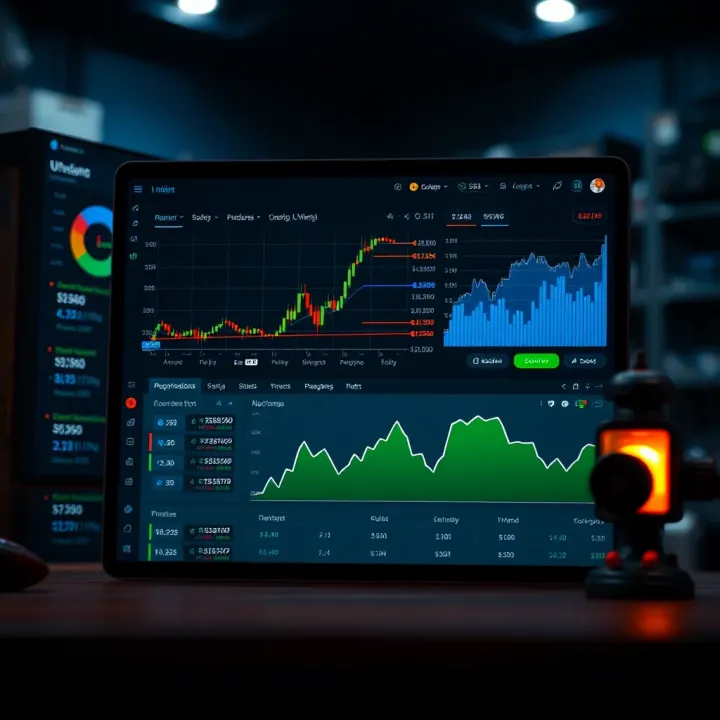
📈 Learn how to connect Deriv with TradingView for smarter trading. Follow easy setup steps, explore features & get tips tailored for Pakistani traders 🇵🇰

📈 Explore how to integrate TradingView charts with Deriv to boost your trading skills, customize setups, and tackle common challenges effectively.
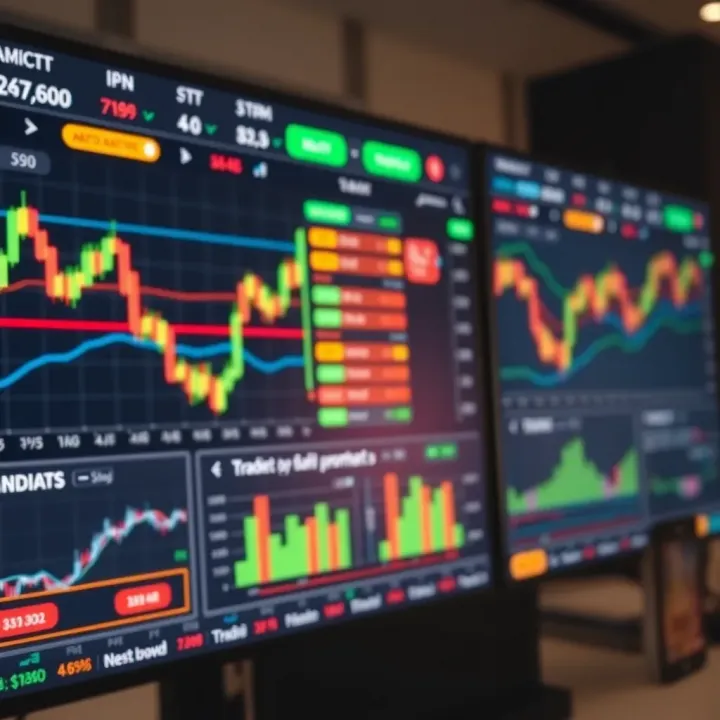
Explore TradingView.com📈 tailored for Pakistani traders 🇵🇰. Learn to analyze local & global markets, use charts, and connect with brokers for smarter trades.
Based on 10 reviews